Beside the window
Grok Bot
Opens minimized beside the app. It cannot be embedded. The app needs the Grok Bot desktop app.
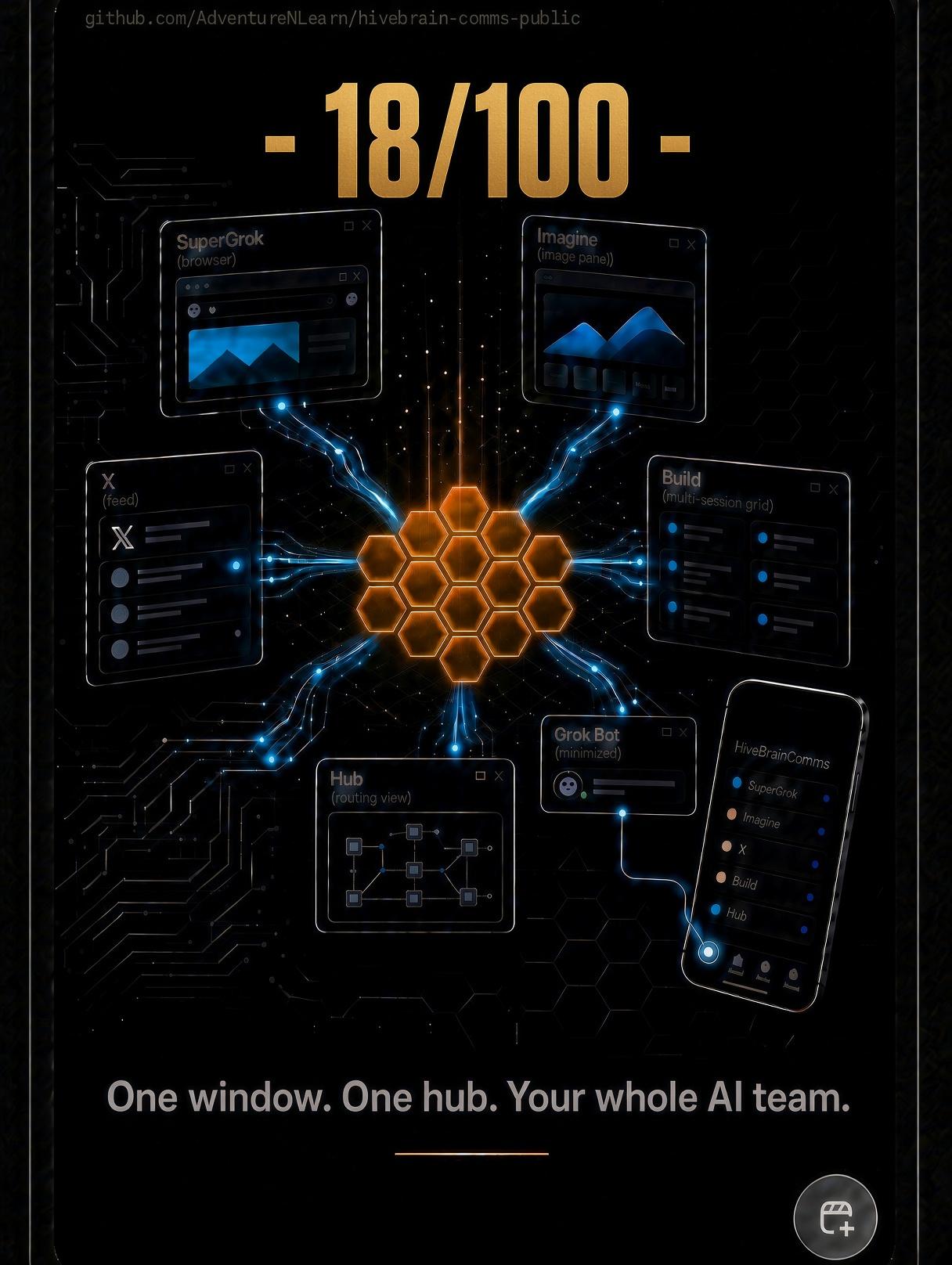
18/100
Day 18 of 100
Grok Bot
Opens minimized beside the app. It cannot be embedded. The app needs the Grok Bot desktop app.
Public page for the Windows app. The app stays on your machine. This page does not start the hub, and the signature here is only a browser sample.
A free, open-source (MIT) Windows app that puts your AI agents in one window on your own PC. Every request goes to one hub first. Jobs are plain text and signed. Nothing ships without your yes. It runs on the SuperGrok and Grok CLI subscriptions you already have. No API bill.
Each job is a readable block: who sent it, who it is for, when, and what done means. The hub routes it. The build agent is instructed to run only those routed jobs, and it writes pickup and finish times. Start All turns the hub on if it is down, opens the build session, and opens Grok Bot minimized. A second click focuses what is already open. Web tabs keep your sign-in. The app does not inject scripts, read those pages, or type in them.
Windows only. Testers need WebView2, the .NET 8 SDK, Python 3, and the Grok CLI, plus SuperGrok and the Grok Bot desktop app. The hub listens on 127.0.0.1 only. Some safeguards are rules the agents follow, not hard locks. The signature check is the build agent following the bus rules, not a separate program. This page is not the app and does not start the hub.
Living project, shaped by testers. From the phone I talk to SuperGrok, or to a bot I can reach, and operate this same system that way, along with the Windows app. Full mobile support is still in progress.
MIT. Inspired by GodTerm by Daniel Farina. No upstream file is copied, and this is not an endorsement.
Hub first
Hub · routing view
Every request comes here first. This view shows who owns the job and what came back.
No job on this desk yet.
Sample records in this browser. On Windows the signing key is locked to your account with DPAPI and is never written to the bus.
Opening the ledger…